
WiFi vs Ethernet for Gaming on Fiber: Setup Guide for Bangladesh
WiFi vs Ethernet for gaming on fiber in Bangladesh — reduce jitter, packet loss, and lag with the right LAN setup on InfoLink FTTH.
Introduction
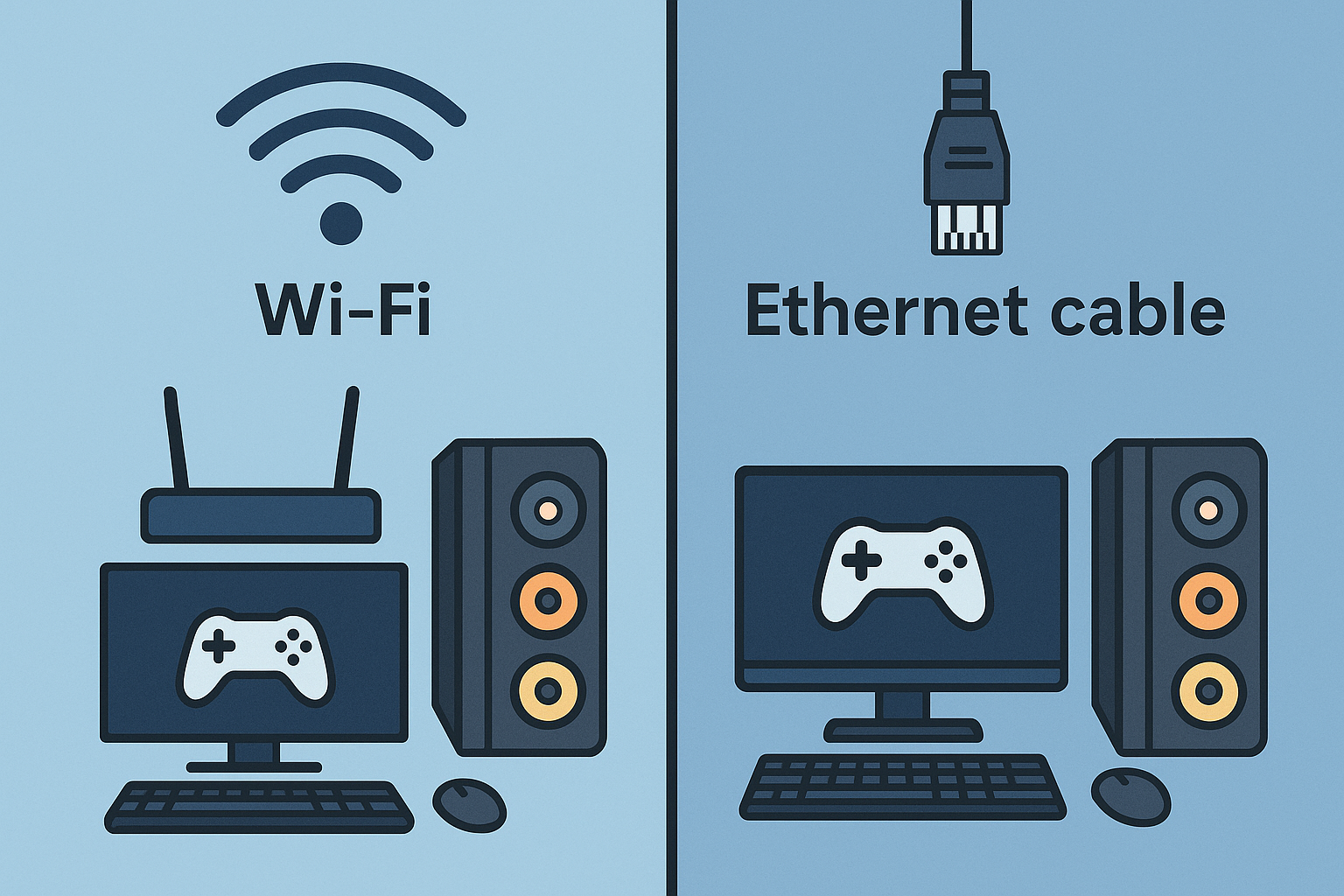
In the world of online gaming, a stable and fast internet connection can make all the difference. For gamers in Bangladesh, choosing between WiFi and Ethernet for gaming on fiber can impact your performance significantly. Understanding the benefits of ethernet gaming fiber Bangladesh is essential to reduce jitter and packet loss, ensuring a smooth gaming experience.
Why Choose Ethernet Over WiFi for Gaming?
While both WiFi and Ethernet can deliver high-speed internet, Ethernet connections offer several advantages, particularly for gamers:
- Stability: Ethernet provides a more stable connection, reducing the chances of lag and interruptions during gameplay.
- Lower Latency: Wired connections typically have lower latency compared to WiFi, which is crucial for fast-paced gaming.
- Reduced Packet Loss: Ethernet minimizes packet loss, ensuring that your game data is transmitted effectively.
When to Use a LAN Cable
If you're serious about gaming, using a LAN cable is often the best choice. Here are some scenarios where a wired connection is preferable:
- When playing competitive multiplayer games that require quick reflexes.
- If you experience frequent disconnections or high ping with your WiFi.
- When streaming gameplay or participating in online tournaments.
Understanding Mesh WiFi Limitations
While mesh WiFi systems can provide good coverage in larger homes, they come with limitations:
- Increased Latency: Mesh systems can introduce additional latency due to the multiple hops data must make.
- Potential for Interference: Other devices and networks can interfere with your WiFi signal, affecting performance.
In situations where performance is critical, opting for a wired connection is advisable.
Best Practices for Connecting ONT to Your PC
To optimize your gaming setup, follow these best practices when connecting your Optical Network Terminal (ONT) to your PC:
- Use a Quality Cable: Invest in a Cat6 cable to ensure high-speed data transfer.
- Disable WiFi: When using a wired connection, disable WiFi on your gaming PC to avoid interference.
- Router QoS Settings: Configure Quality of Service (QoS) on your router to prioritize gaming traffic.
- Power Backup: Ensure your ONT has a reliable power backup to prevent outages during crucial gaming sessions.
Checklist for Optimal Gaming Setup
Before you start your gaming session, ensure you've checked the following:
- Cat6 cable installed and connected.
- WiFi disabled on your gaming device.
- Router's 5 GHz band in use for other devices, while keeping 2.4 GHz for long-range connectivity.
- QoS settings optimized for gaming.
- Power backup for your ONT is operational.
Conclusion
For gamers in Bangladesh, especially those using InfoLink Internet's fiber service, understanding the differences between WiFi and Ethernet can significantly enhance your gaming experience. While WiFi may suffice for casual gaming, switching to a wired Ethernet connection can drastically reduce jitter and packet loss, leading to smoother gameplay. For an optimal setup, follow the guide above, and check out InfoLink's offerings for a reliable internet connection. Learn more about our packages or see if we cover your area here. If you need assistance with your billing, visit this page.